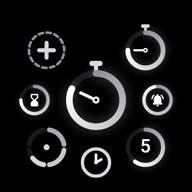
 Clepso
The timer with style.
Modern and fluid, it takes the shape you want: nine kinds of timers and widgets, as many pages as you like, and everything adjusts. Free and ad-free, for life.
Pick a style: this page changes with you.
On Android, with a Google account. You'll get the link when testing opens.
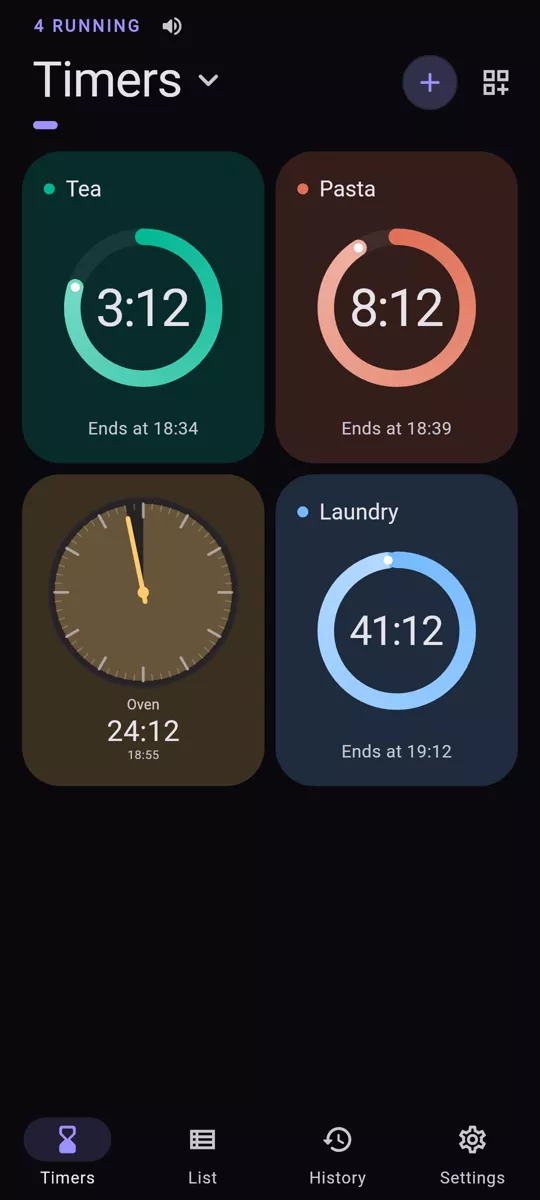
Five styles, light or dark
Font, colors, patterns, rings and corners change together. Your phone can also decide between light and dark.
Nine things to place on a page
Not just timers: a stopwatch, a clock, and even a button that starts, pauses or resets whatever you choose.
- Timer
- A name, a duration, a color
- Quick timer
- Always at 00:00: tap it, pick the duration, it starts
- Pomodoro
- 25 min of work, 5 min of break, 4 times
- Sequences
- HIIT, circuits… your steps in order, as many rounds as you like
- Stopwatch
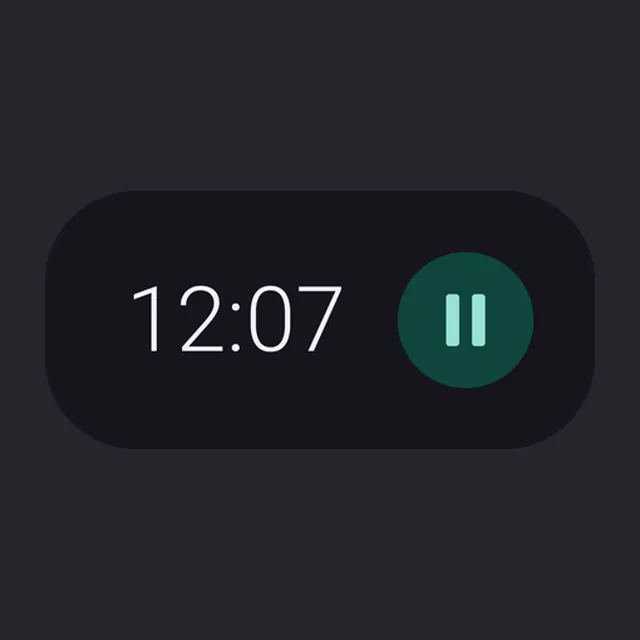
- Counts elapsed time, one tap to start
- Clock
- The time here or elsewhere: pick any time zone
- Action button
- Starts, pauses or resets timers in one tap
- Running
- Active timers and their time left, as bars
- Quick start
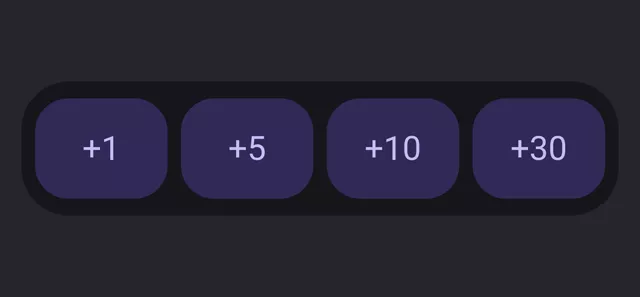
- Durations to start in one tap
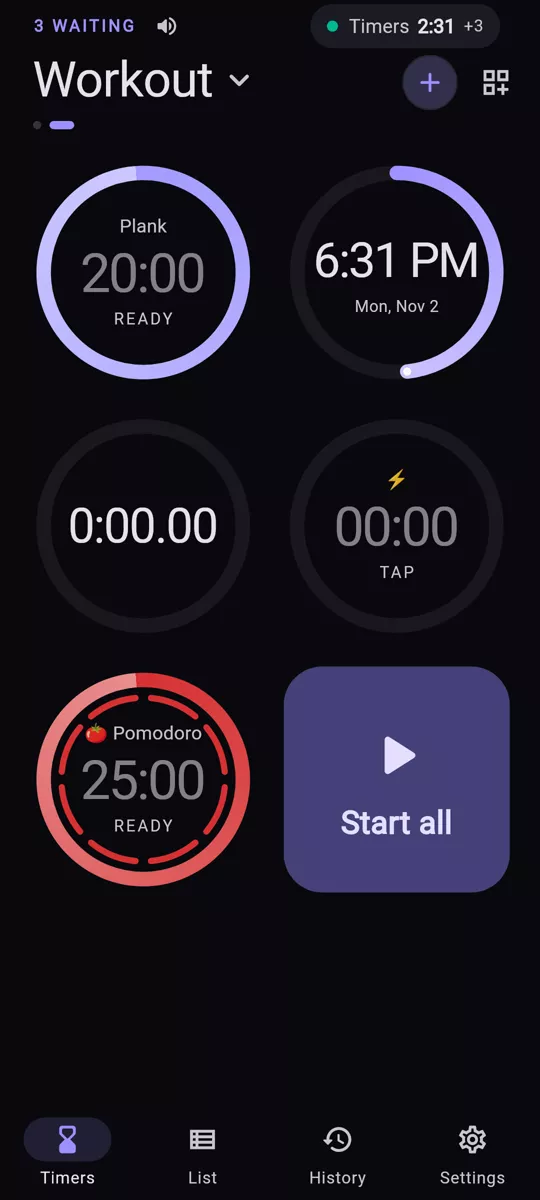
Displayed your way
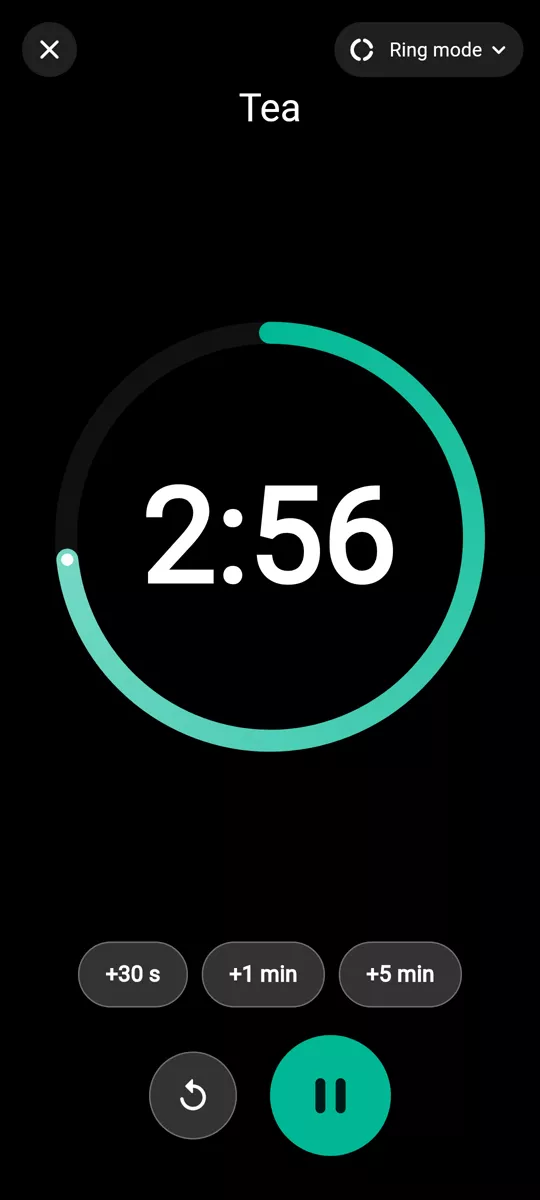
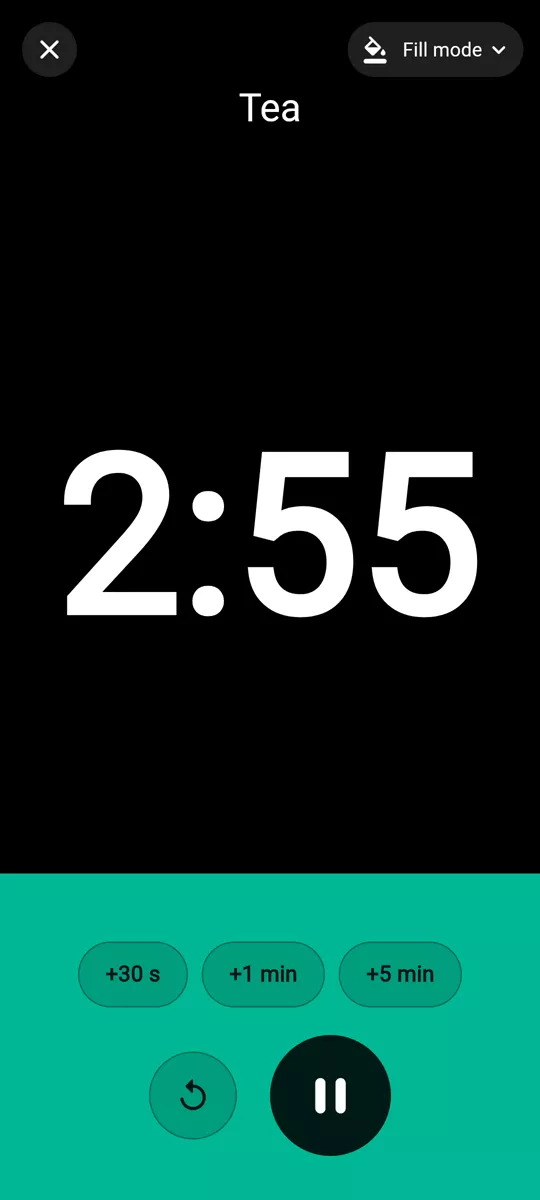
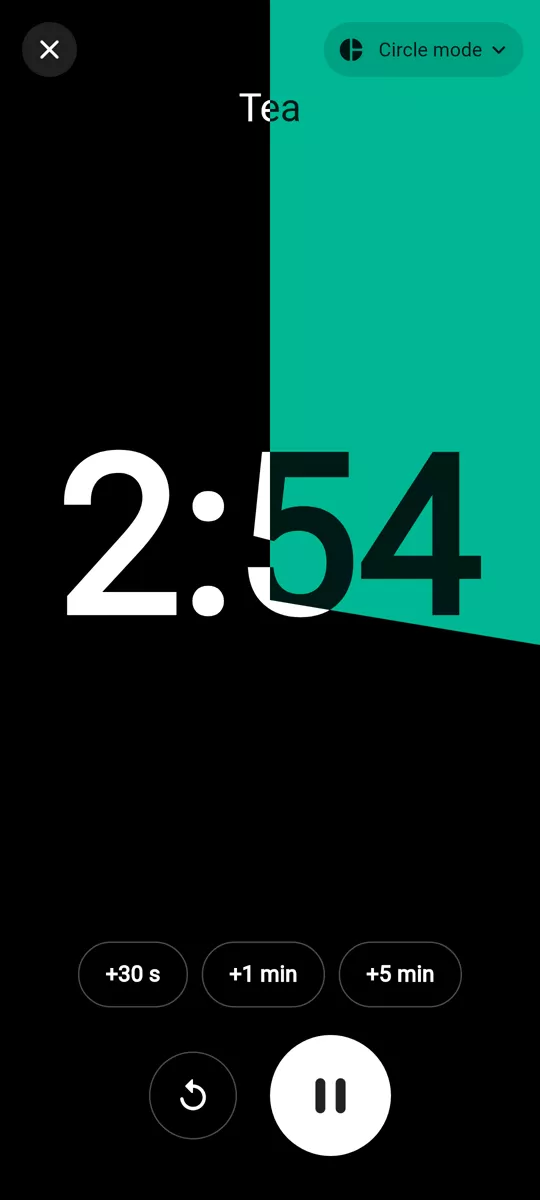
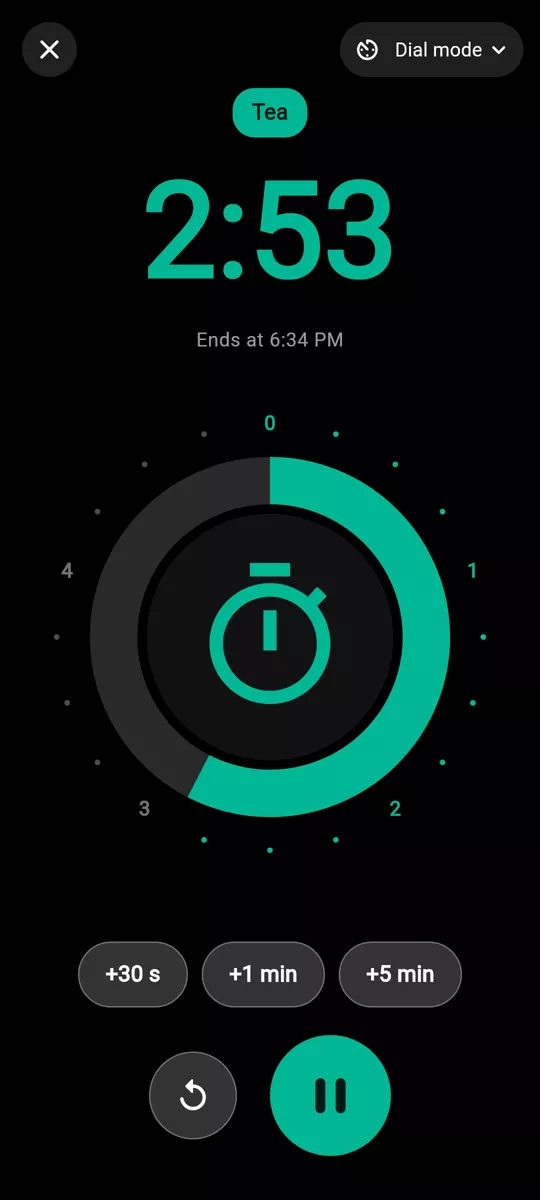
On the page: ring, tinted card, solid card or analog dial. In full screen, readable from afar, four modes, plus a board mode for sequences.
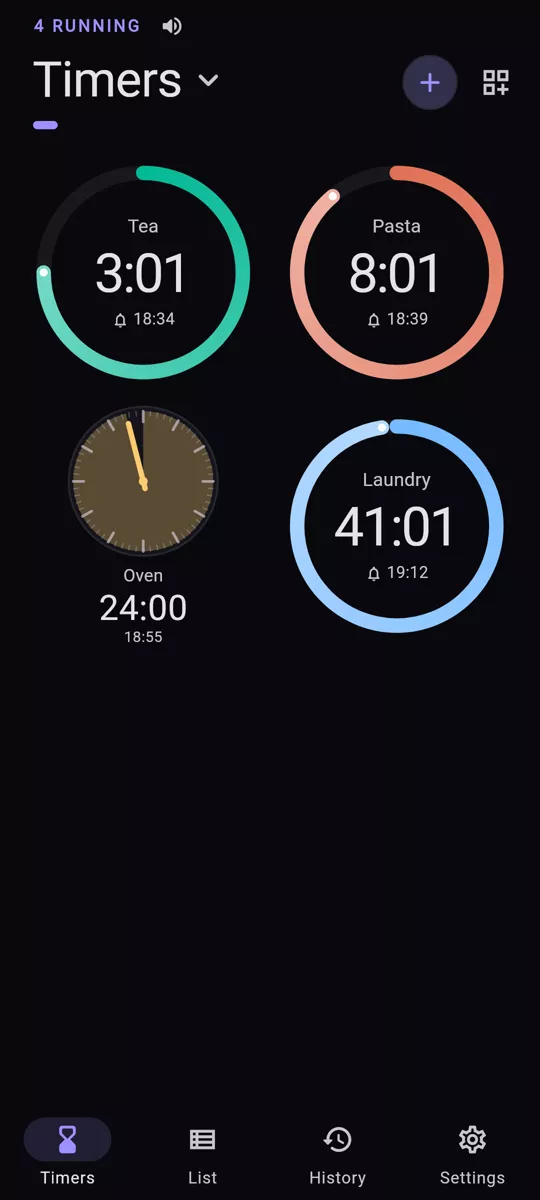
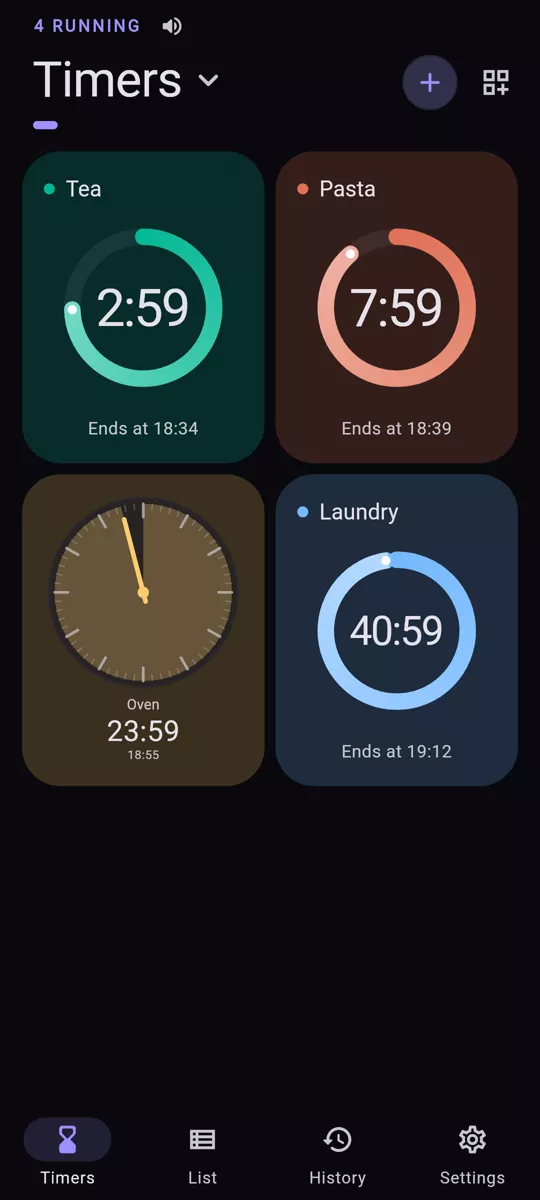
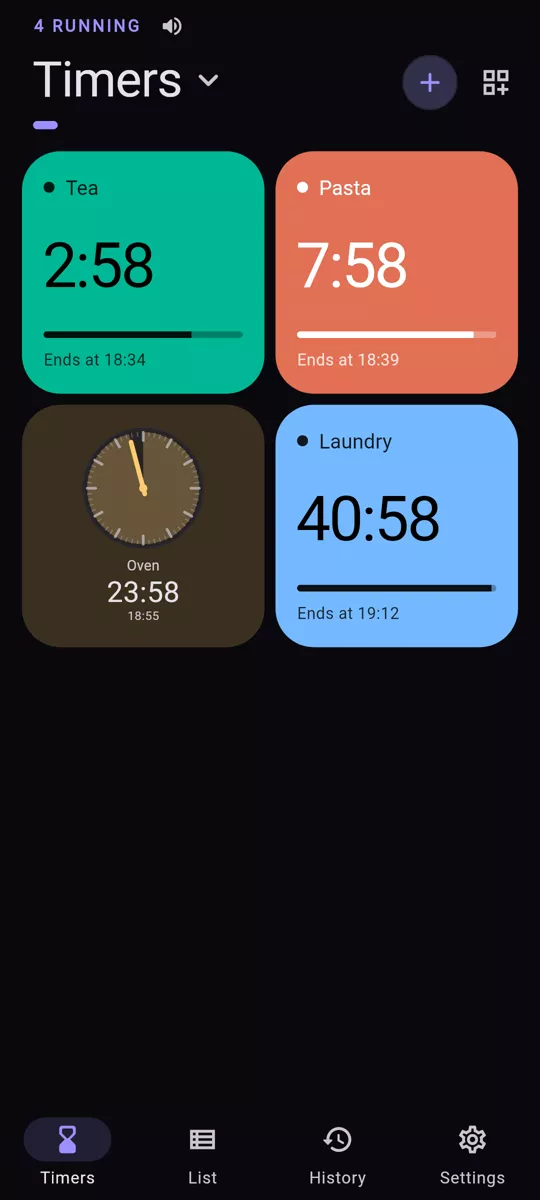
The size and place you want
Every gesture follows your finger, frame by frame. Pull the circle and the card grows while the others make room. Hold and drag to move it.
As many pages as you need
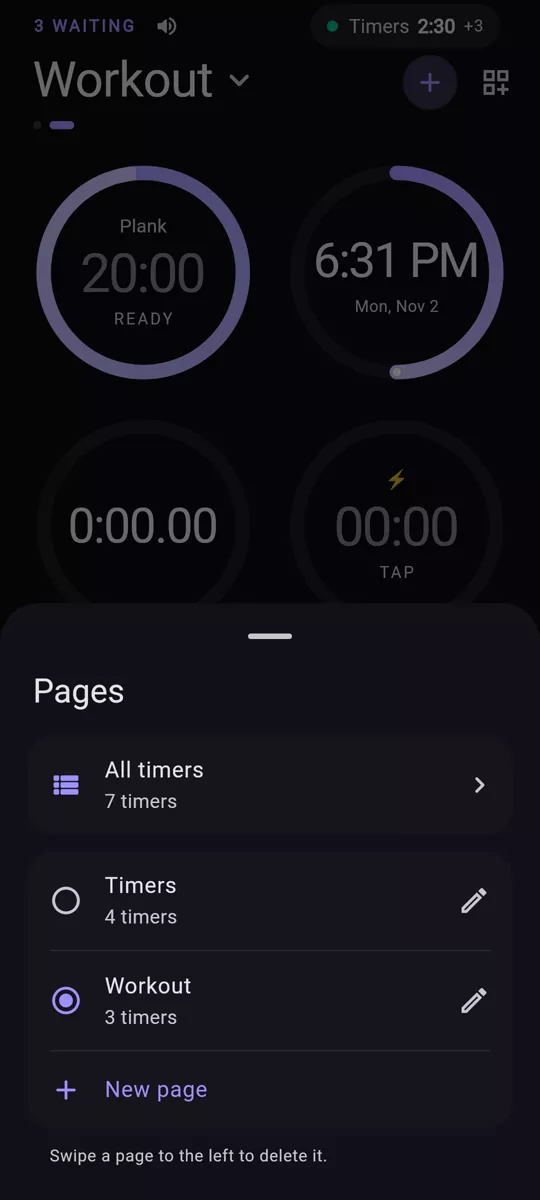
Cooking, workout, work: create, rename, delete. One swipe to change pages, and one view to see everything at once.
Six home screen widgets
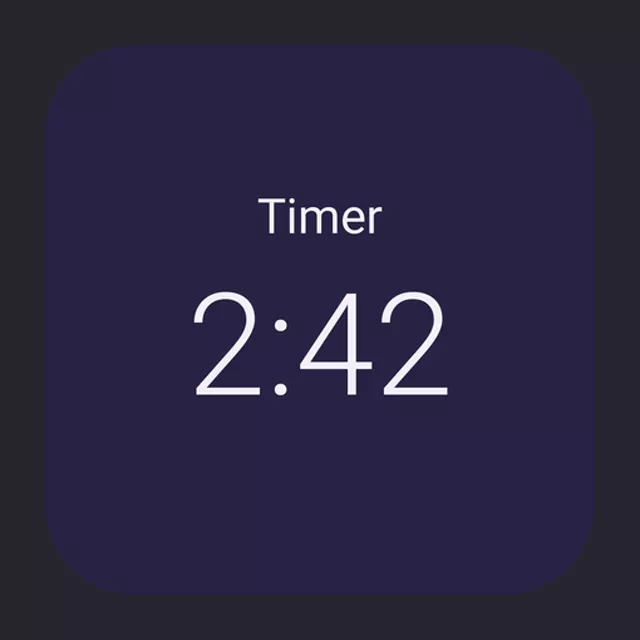
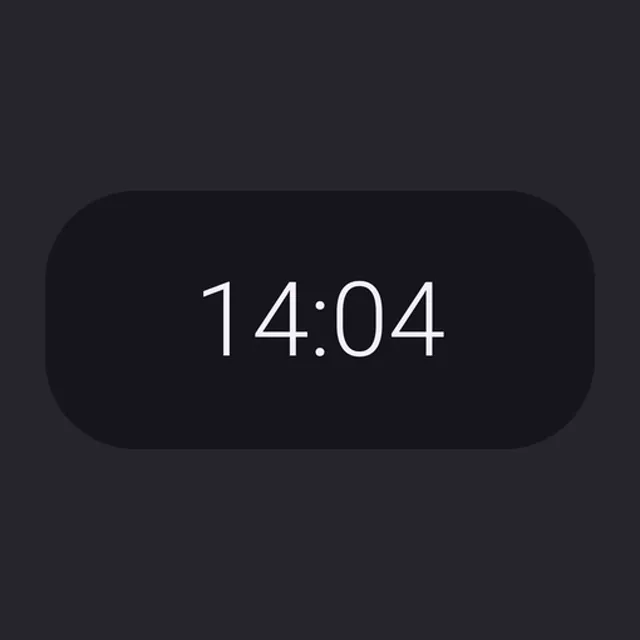
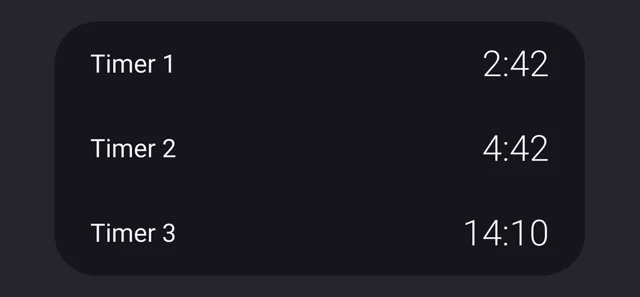
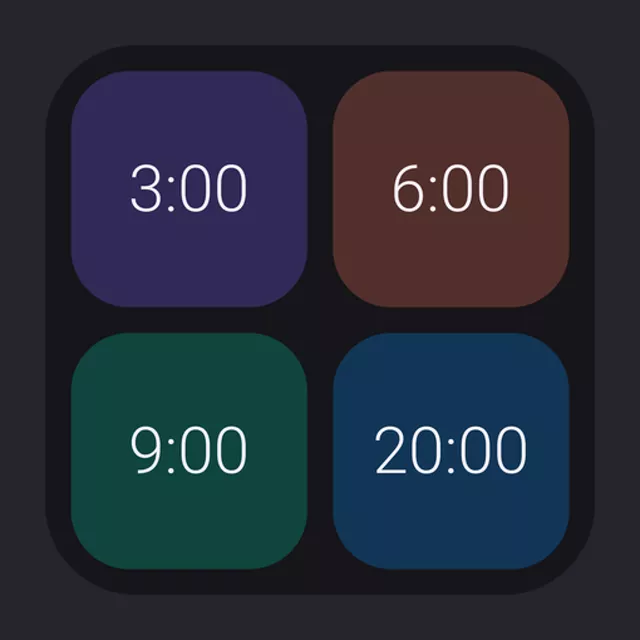
A timer, the next to ring, the running list, quick start, quick timer, stopwatch. They follow the app's style: tinted, solid or transparent background.
Started in a few taps
Type “tea” or “pasta”: nearly 80 durations are suggested. Or type 130 for 1 min 30. Try it here, it's the same search as in the app.
Try it
0:10
Nothing gets lost
All your timers in a list. The history keeps each one, day by day, and your actions. A mistake? Everything can be undone, even later.
Everything adjusts
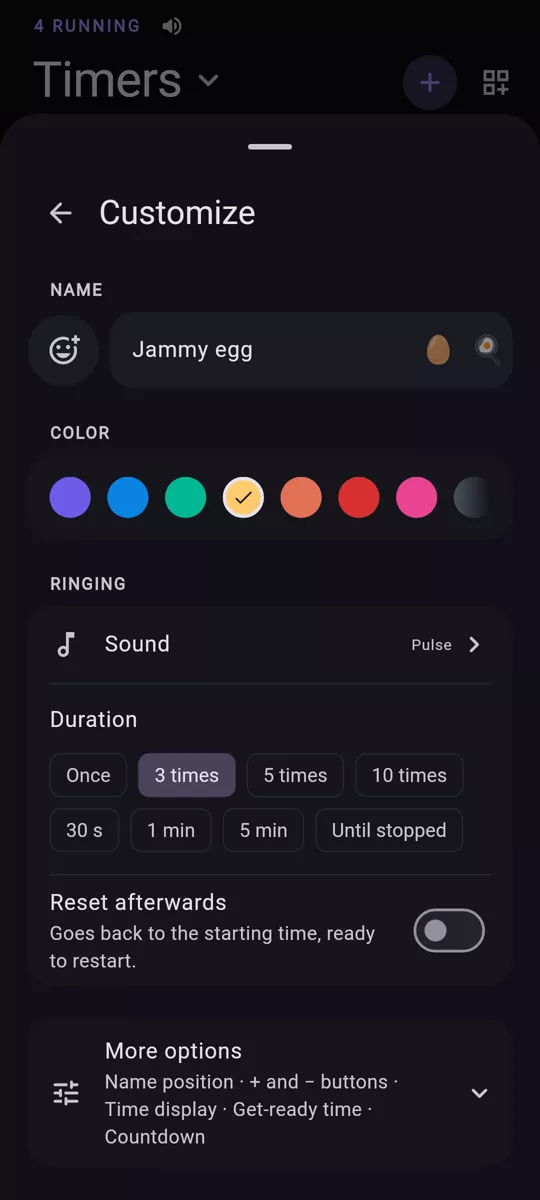
Nothing is forced: it all works out of the box, but nothing is set in stone. And you can search settings, like everything else.
For each timer
- Name, icon, color
- Any color.
- Ringtone
- Four original sounds, your phone's, or vibration only, for as long as you choose.
- Voice or beeps
- Countdown, announcements at the start, halfway and at the end, reminders and tick-tock.
- + and − buttons
- Add or remove the time you choose, in one tap.
- Time display
- Seconds, tenths or hundredths, with or without hours.
- Get-ready time
- A few seconds to get in position.
- Temporary
- Goes away once finished.
- Start later
- Schedule the start.
For the whole app
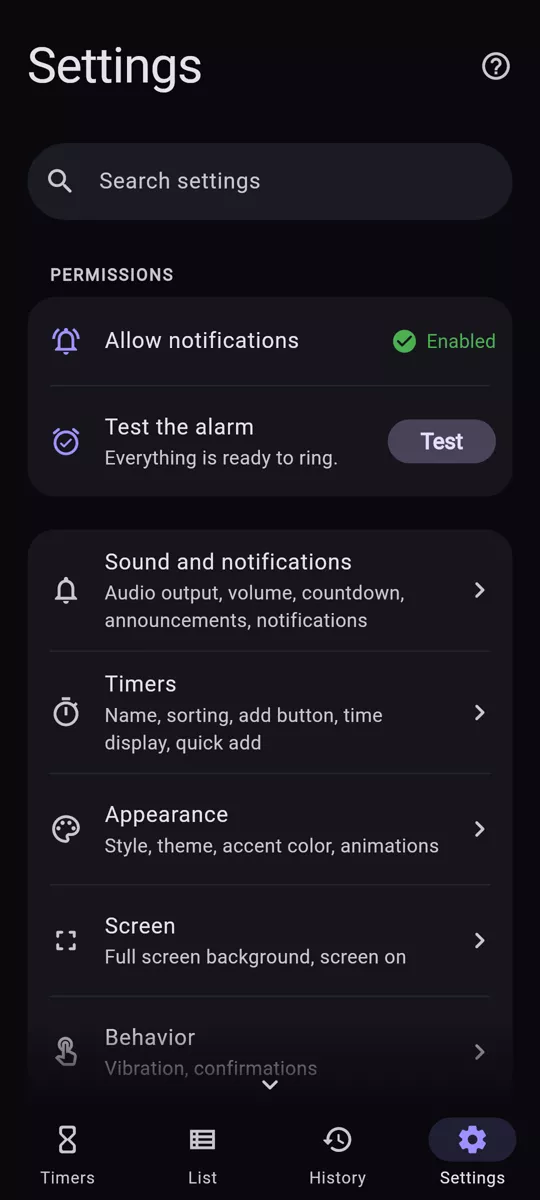
- Sound and notifications
- Audio output, volume, countdown, announcements, notifications
- Timers
- Name, sorting, add button, time display, quick add
- Appearance
- Style, theme, accent color, animations
- Screen
- Full screen background, screen on
- Behavior
- Vibration, confirmations
- Presets
- Create, edit and delete your saved timers
- Moving to a new phone
- Export or import your timers and settings
- Home screen widgets
- Customize the ones you placed
Clepso in 2 minutes
Free. No ads. For life.
Everything is free, with no subscription and no paid version. No account, no data collected, works offline, in 14 languages. Donating is possible, never required.
Test it before launch